Back to top

LinkedIn Banners With Something to say.

Your banner is the widest piece of space on your profile, and most people fill it with LinkedIn’s default blue or a stock photo of a city. We design banners for founders, sales teams and company pages that tell a visitor who you help before they’ve read your headline.

What LinkedIn Banner Design Includes

Profile banners, company page covers and matching sets for the whole team, all designed around the parts LinkedIn crops.

Personal Profile Banners

Designed at 1584 x 396 with your profile photo and the mobile crop in mind, so nothing important ends up hidden behind your face.

Company Page Covers

A 1128 x 191 cover that lines up with your logo, your website and the posts your page shares, instead of a placeholder nobody chose.

Team Banner Sets

One design system across every profile. Founders and sales reps get matching banners that read as one company, with room for each person's role.

Launch & Event Versions

Swap-in banners for product launches, hiring pushes, conferences and webinars, built on the same template so changing them is quick.

Three Seconds on Your Profile

That's roughly how long a visitor gives your banner before deciding whether to keep reading. Here's what it needs to do in that time.

01
Say who you help

A visitor should know your audience and the result you deliver without opening your About section. One clear line beats a slogan.

02
Survive the crop

The mobile app shows a narrower slice of your banner and your profile photo covers the bottom left. We design around both.

03
Match everything else

Your banner should look like your website, your posts and your sales deck, so the person you messaged recognizes you when they click.

FAQs About LinkedIn Banner Design

What size is a LinkedIn banner?

Personal profile banners are 1584 x 396 pixels and company page covers are 1128 x 191. We design at those sizes and check how each one crops on desktop and in the mobile app before you upload anything.

Why does my banner look different on my phone?

The mobile app trims the sides and places your profile photo over part of the image, so anything near the left edge or the bottom can disappear. We keep the message in the area that survives every crop.

Can you design banners for our whole team?

Yes. We build one design in your brand and adapt it for each person, so every profile looks connected while still showing individual roles. Adding a new hire later is a quick job.

What do you need from us?

Your logo, brand colors and fonts if you have them, and a sentence on who you're trying to reach. If your brand needs work before the banner does, we'll say so, and our branding team can help.

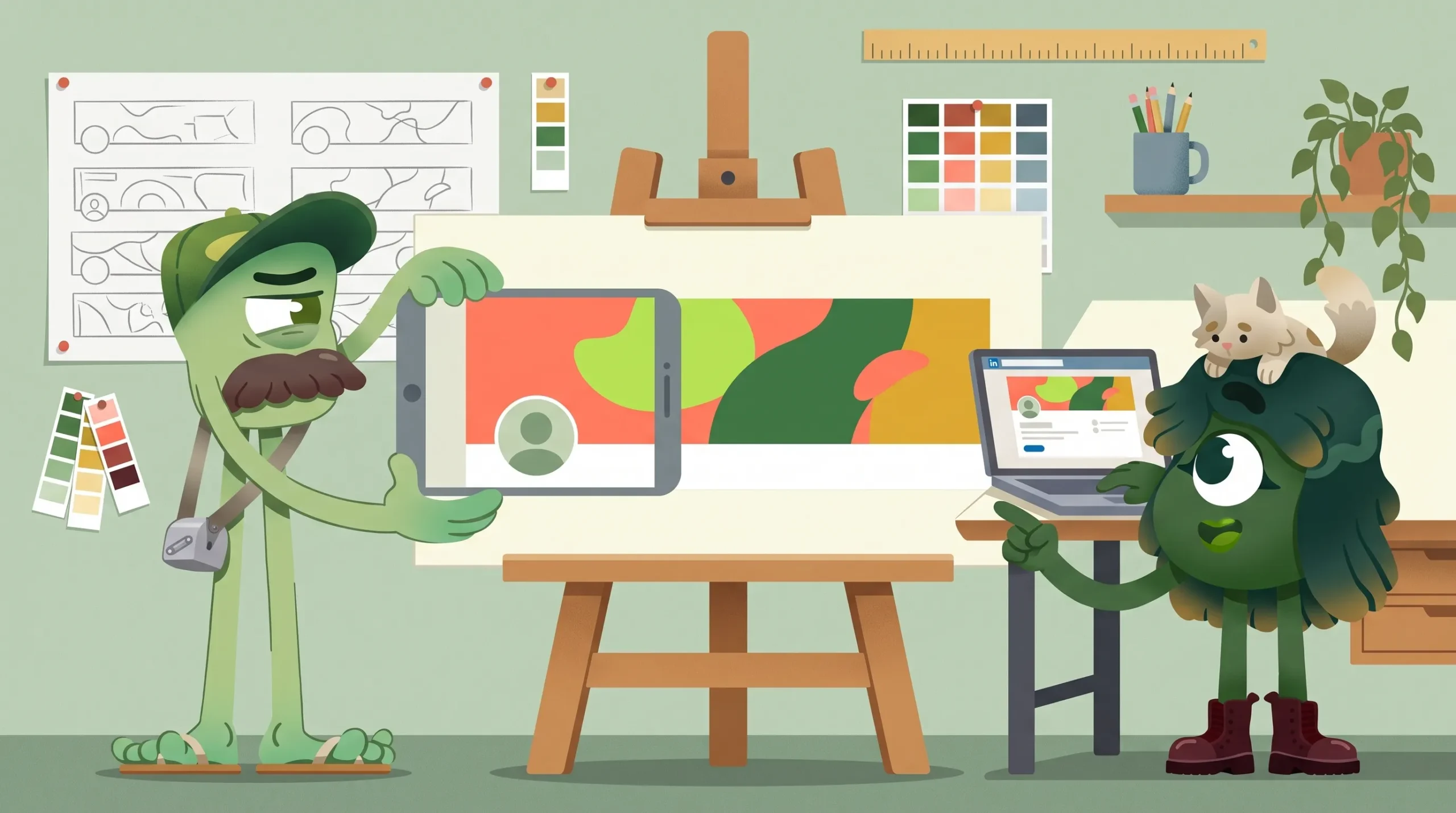
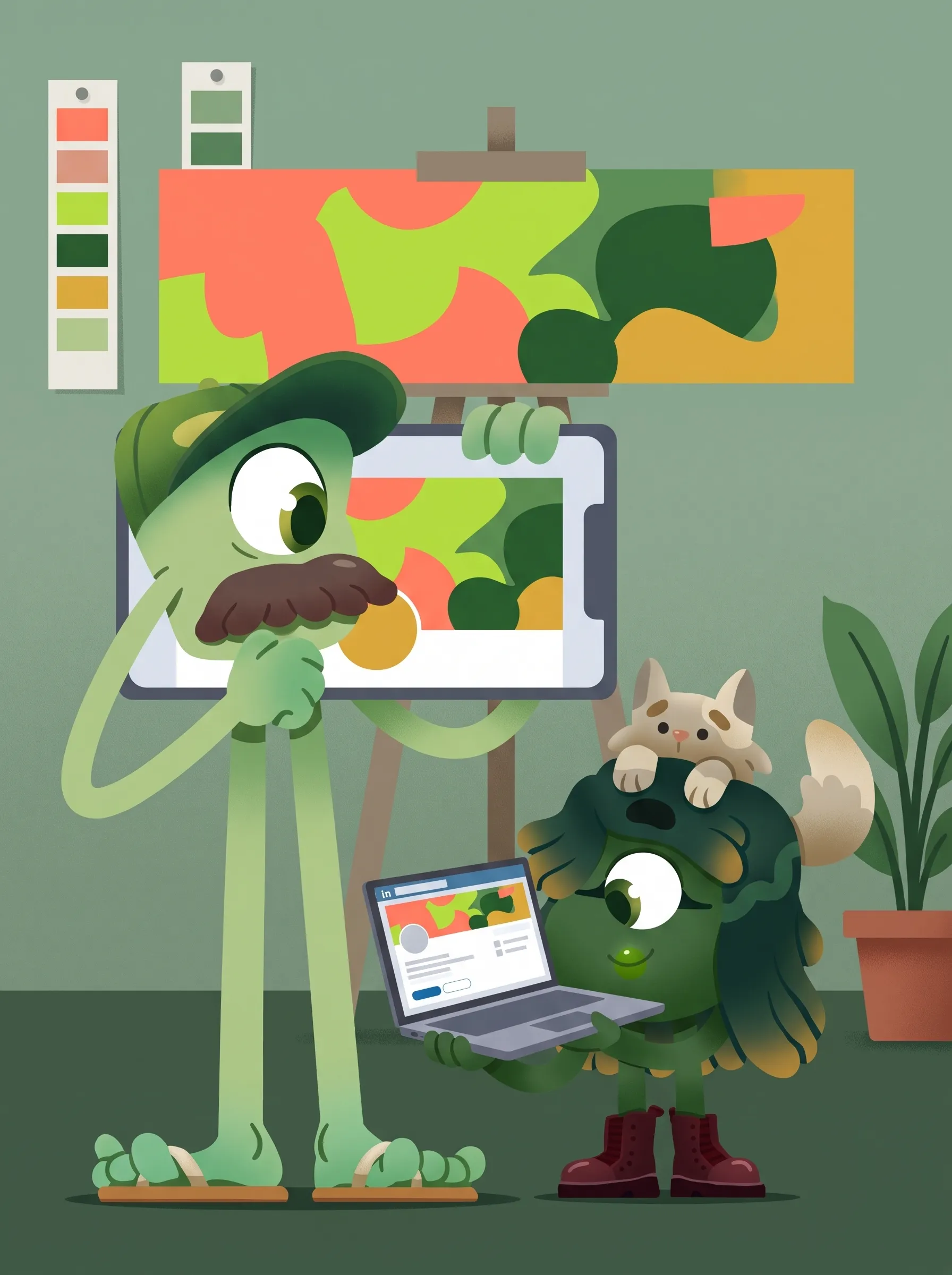
Nifty Studio mascot holding a phone showing how a LinkedIn banner crops on mobile, beside the full artwork on an easel

Don't take it from us

Hear straight from the clients we've built brands, campaigns and content for.

Rated 4.8 on Clutch, the independent B2B review platform.

LET'S Fix Your First Impression

Send us your LinkedIn profile. We'll tell you what your banner is saying right now, and what it should say instead.
Leon Valley, San Antonio

    Our Banner Process Our Banner Process
    1.
    BRIEF

    We look at your profile, your brand and who you want to reach, then agree on the one message your banner has to carry.

    2.
    DEPOSIT + DESIGN

    A 50% deposit starts the work. We design the banner and mock it up on a real desktop and mobile profile.

    3.
    REFINE

    We tighten the wording, layout and crop with you until it reads clearly at a glance.

    4.
    DELIVER

    Final files sized for LinkedIn, plus versions for your team or company page if they're part of the job.