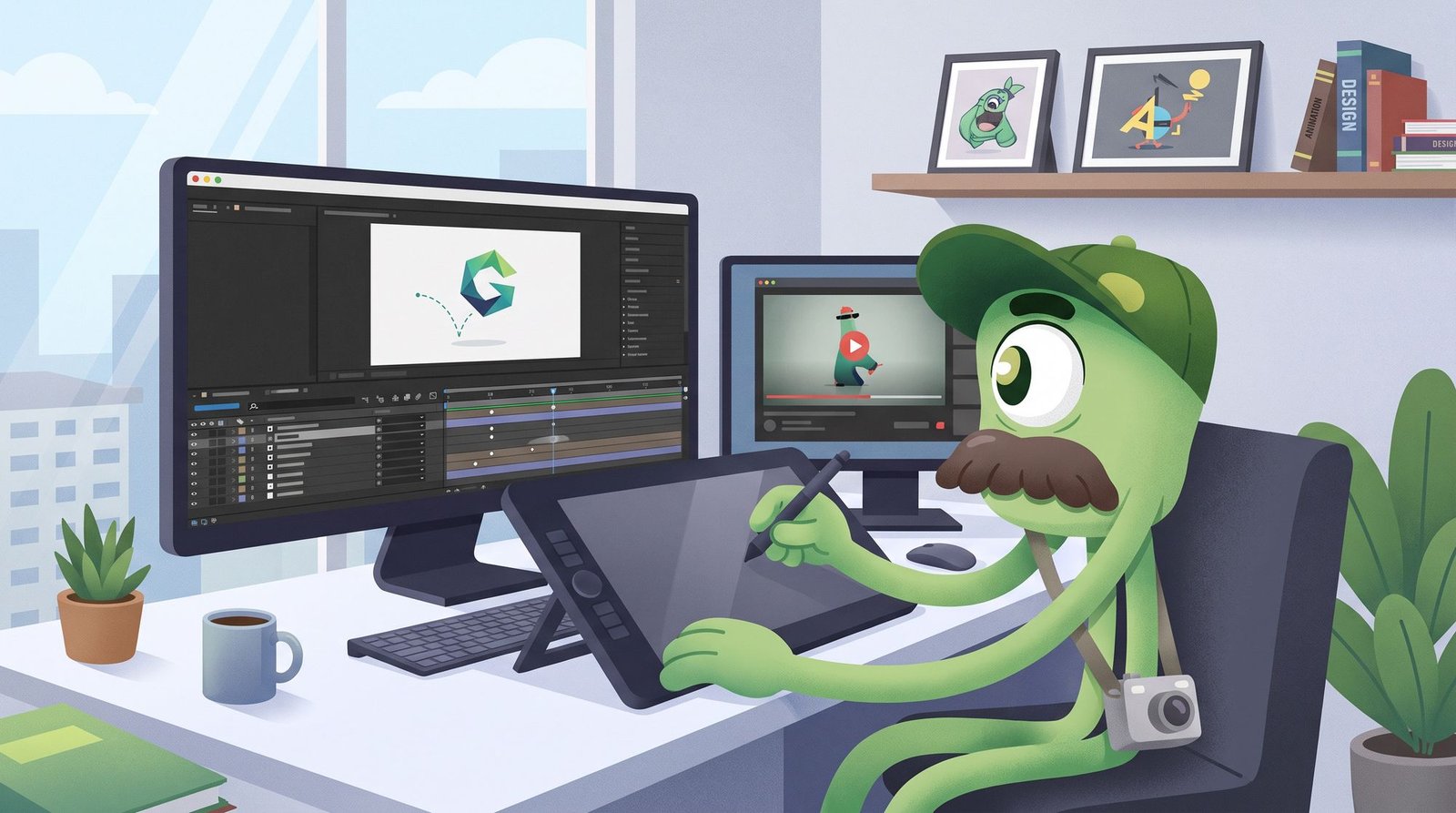
Claude Motion Graphics: What It Can Do, How to Use It, and When to Hire a Studio
Claude Motion Graphics: What It Can Do and When to Hire a Studio
By SP · October 20, 2026
Claude now builds short animations by writing code. Here's what it does well, how to start, the prompts that work, and when a studio still earns its fee.
- No Comments
- Read Time: 6 Minutes
Claude motion graphics are short animations that Claude builds by writing code. Claude animates your own text, charts, shapes and images, and doesn’t use a video-generation model. Anthropic’s official tool for this is Claude Motion, launched in beta on October 8, 2026. Because the animation is code, you can change one word, number or timing and the rest of the piece stays the same.
We’re Nifty Studio, a San Antonio creative agency. We make explainer videos, motion graphics and product launch reels, and Claude is now part of how we build them. This guide covers what Claude motion graphics can and can’t do, how to get started, the prompts that work, and when it makes sense to bring in a studio.
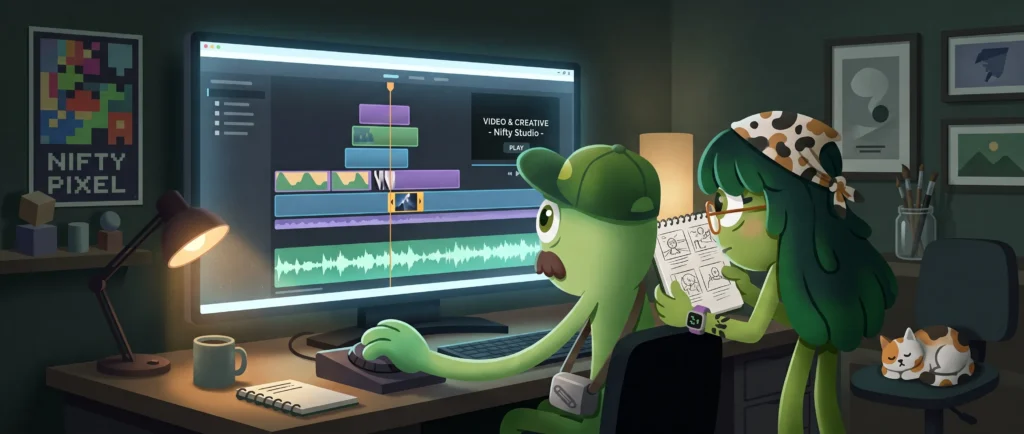
What is Claude Motion?
Claude Motion is a beta feature in Claude that turns a prompt and your content into a short animated video. Anthropic announced it together with Claude Dashboards and describes it this way: “Claude writes code that animates your text, charts, shapes, and images, so you can change any word, number, or timing.”
Some key facts from Anthropic’s documentation:
- Plans: Claude Motion is in beta on Team and Enterprise plans. The Claude pricing page lists it as unavailable on Free, Pro and Max.
- Defaults: It’s on by default for Team plans. On Enterprise plans it stays off until an owner turns it on under Organization settings > Artifacts.
- Output: Animations are saved in the Artifacts tab and export as MP4.
- Sharing: Animations are private by default. You share one with the Share button.
- Usage: Motion counts toward your plan’s usage limits. Longer or more complex animations use more of your limit than a typical message does.
- Handoff: Anthropic says you can open animations in Adobe, Descript, HeyGen, Higgsfield, invideo, Luma AI or Runway, with Canva and Captions listed as coming soon.
Not on Team or Enterprise? Developers can get a similar code-based result in Claude Code with open-source tooling such as Remotion’s Agent Skills. That route means installing the tools and rendering the video yourself.
What Claude motion graphics are good at, and where they fall short
Good at
- Data and charts that move. Anthropic’s own examples include animated charts for board decks and turning a quarterly report into a 30-second all-hands explainer.
- Product walkthroughs. Anthropic lists customer-onboarding walkthroughs as a core use case.
- Exact text. The type is real code-rendered text, so spelling and numbers appear exactly as you provide them.
- Fast, targeted revisions. You can change one figure or one scene’s timing without regenerating the whole video.
Limits to know
- No footage or people. Motion doesn’t use a video-generation model, so it won’t produce realistic footage or people.
- Short-form only. Every example Anthropic gives is a short clip. Motion isn’t built for long training videos.
- It’s a beta. Behavior, reliability and features may change.
- Taste is still your job. Claude can set an animation in motion, but it can’t tell whether it feels like your brand. Pacing, hierarchy and restraint still need a human eye.
Claude can set an animation in motion, but it can’t tell whether it feels like your brand.
How to get started with Claude Motion (step by step)
These steps follow Anthropic’s Get started with Claude Motion help article and Anthropic’s launch announcement.
- Confirm access. You need a Team or Enterprise plan. Enterprise users may need an owner to turn Motion on under Organization settings > Artifacts.
- Start an animation. In a chat, ask Claude for an animation, type
/motion, or choose Output in the message box and select Motion. You can also open the Artifacts tab, pick a Motion template and describe what you want. - Give context. Tell Claude who the audience is, where the video will play and roughly how long it should be.
- Attach your material. Add reports, data or images so the animation uses your real content instead of placeholders.
- Revise. Ask Claude for changes in chat, or adjust the animation yourself in the editor.
- Export or hand off. Export as MP4, share it with the Share button, or open it in a partner tool for further editing.
Example prompts
Strong prompts give Claude one idea, a length, a destination and your exact words. Try these as starting points:
- Quarterly explainer: “Using the attached Q3 report, make a 30-second explainer for our all-hands. Three beats: revenue up 18%, two new markets, one priority for Q4. Calm, confident pacing. End on our logo.”
- Animated chart: “Animate this bar chart for a board deck slide. Bars grow left to right, the 2026 bar lands last and gets highlighted in our accent color. Keep every label legible. About 8 seconds.”
- Product launch teaser: “15-second vertical teaser for our new scheduling feature, aimed at Instagram Reels. Open with the problem in five words, show the three steps from the attached screenshots, and finish on ‘Available today.'”
- Onboarding walkthrough: “45-second walkthrough for new customers showing how to connect their calendar. Use the attached screenshots in order, add a short caption to each step, and use a friendly, unhurried pace.”
Replace the sample numbers and copy with your own. Claude shows numbers exactly as you give them, so it’s on you to make sure the facts are right.

A good prompt is a good brief. Vague in, generic out.
Tips for brand-consistent output
- Fonts: Name your typefaces and weights for headlines and body text. Attach a brand guide if you have one. Don’t let Claude choose the type, because type is where off-brand work shows first.
- Colors: Give hex values and say what each one is for, such as background, primary text and a single accent for emphasis. A small, strict palette reads as more premium.
- Timing: Give the total length and how long each beat should hold. Viewers need time to read the text, so ask for longer holds on key numbers.
- Beat-sync: If the video will have a music track, tell Claude the tempo (for example, 120 BPM) and ask for scene changes on the beat. Anthropic’s Motion documentation doesn’t describe built-in music or voiceover, so plan to add audio in your editor or a partner tool, then check the sync there.
- Aspect ratios: Decide where the video will play before you prompt, and tell Claude the frame: 16:9 for YouTube, websites and presentations, 1:1 for square feed posts, 4:5 for portrait feed posts and 9:16 for Reels, TikTok and Shorts. Anthropic’s documentation doesn’t list fixed aspect-ratio presets, so check the frame in the preview before you export. Build each format as its own version rather than cropping one into another.
- Export: MP4 is the documented export. If you need captions, a mix or longer edits, open the animation in a partner tool or hand it to your editor.
When to hand off to a studio
Claude Motion works well for internal explainers, quick social clips and first drafts. Bring in a studio when the video has to carry your brand in public:
- Human art direction. A launch video needs a point of view: the right metaphor, the pacing and the one moment people remember. A prompt doesn’t supply that.
- Voiceover and sound design. Casting, script polish, music licensing, sound effects and the final mix are craft work that sits outside the animation.
- Brand systems. If you need a motion language that stays consistent across dozens of assets, with type rules, transitions, logo animation and templates, someone has to design and maintain that system.
- Footage, people and 3D. Live action, characters and photoreal product shots are outside what Motion is built to do.
- High-stakes placements. Paid campaigns, event screens and investor or launch moments are where small flaws cost the most.
Code can move pixels. It can’t decide what your brand should feel like.
Need a launch video
THAT MOVES?
How Nifty Studio uses Claude in our motion workflow
We use Claude to build code-based motion reels and launch videos, then art-direct, score and finish them. Claude speeds up the build and makes revisions cheap, because a changed headline or price point is an edit, not a re-animation. Our team still decides what the video should say and how it should feel, and we handle the sound and the final polish. You get the speed of code-based animation with the judgment of a studio that makes explainer videos and motion graphics every day.
Want to see what that looks like for your product? Explore our video and motion work.
Made with Claude: client work
This isn’t theory for us. We’ve already used Claude in the build of finished videos for clients, then art-directed, scored and polished them in-house. Here are two of them.
Chabo.ai
Chabo lets businesses build WhatsApp apps that handle bookings, payments and support right inside the chat, with no downloads or coding. We made this video for them with Claude in our workflow.
KeepTabz.ai
KeepTabz is AI-powered competitive intelligence software. This video for KeepTabz was also built with Claude, then finished by our team.
Want something like this for your product? See our video and creative services or get in touch.
Claude makes motion cheap. Craft makes it memorable.
Prefer it made by hand? Watch our showreel
Everything in our showreel was made the traditional way, with no Claude Motion involved. Every character was drawn, every scene was storyboarded and every frame was animated by our team. If that’s the look you’re after, start here.
Claude Motion vs hand-crafted animation
They’re different tools for different jobs, and they’re priced differently for good reason.
| Claude Motion | Hand-crafted animation | |
|---|---|---|
| Best for | Animated charts, product walkthroughs, text-led social clips, internal explainers | Brand films, launch videos, character-led explainers, anything that has to feel unmistakably yours |
| Visual range | Text, charts, shapes and your existing images, built in code | Custom illustration, characters, hand-drawn texture, any style you can imagine |
| Character and story | Limited. It animates elements; it doesn’t perform. | Characters with timing, weight and personality, built around a script and storyboard |
| Sound | None built in. Audio is added afterwards. | Voiceover, music and sound design made to fit the picture |
| Turnaround | Fast. Changes are quick edits. | Longer, because every scene is designed and animated by hand |
| Cost | Lower | Higher, because you’re paying for skilled hours of illustration, animation and direction |
Why hand-crafted costs more: a hand-made video is built from scratch. A script becomes a storyboard, the storyboard becomes illustrated scenes and characters, and those are animated, timed to voiceover and mixed with sound. Each step takes skilled people real hours, and that’s what makes the result distinctive. Claude Motion skips most of that by animating what already exists, which is why it’s quicker and cheaper. It’s also why it can’t give you a character people remember.
Our advice: use Claude Motion for volume and speed, and invest in hand-crafted animation for the pieces that define your brand. Not sure which you need? Ask us and we’ll tell you honestly, or see our pricing.
Speed is a feature. Character is a brand.
Frequently asked questions
Can Claude make motion graphics?
Yes. Claude Motion, a beta feature on Claude Team and Enterprise plans, creates short animations by writing code that animates your text, charts, shapes and images. You can then export the result as an MP4.
Is Claude Motion an AI video generator?
No. According to Anthropic, Claude Motion doesn't use a video-generation model, so it doesn't produce realistic footage or people. It animates graphic elements with code, which is why you can edit a single word, number or timing without changing the rest.
Which Claude plans include Claude Motion?
Claude Motion is in beta on Team and Enterprise plans. Anthropic's pricing page lists it as unavailable on Free, Pro and Max. It's on by default for Team plans and must be turned on by an owner for Enterprise plans.
What format does Claude Motion export?
Claude Motion exports MP4 files. You can also open an animation in partner tools such as Adobe, Descript, HeyGen, Higgsfield, invideo, Luma AI or Runway to keep editing it.
Should I use Claude Motion or hire a motion studio?
Claude Motion is a good fit for internal explainers, animated charts and quick social clips. Hire a studio when the video represents your brand in public and needs art direction, voiceover, sound design, a consistent brand system or footage that Motion can't produce.
Has Nifty Studio made client videos with Claude?
Yes. We’ve used Claude in the build of client videos for Chabo.ai and KeepTabz.ai, then art-directed, scored and finished them in-house.
Is hand-crafted animation better than Claude Motion?
It depends on the job. Claude Motion is faster and cheaper for charts, walkthroughs and text-led clips. Hand-crafted animation costs more because it’s illustrated, animated and sound-designed by people, and it’s the right choice when the video needs characters, a story or a look that’s unmistakably yours. See our showreel for hand-made examples.
Get a launch video that moves like your brand
Nifty Studio pairs Claude’s speed with human art direction, sound and finishing. We build explainer videos, motion graphics and product launch reels in 16:9, 1:1, 4:5 and 9:16. Talk to our team or call +1 (210) 835-4736.
Related

Post a Comment cancel reply
This site uses Akismet to reduce spam. Learn how your comment data is processed.